GREATER CLEVELAND · NORTHEAST OHIO
Security cameras & CCTV
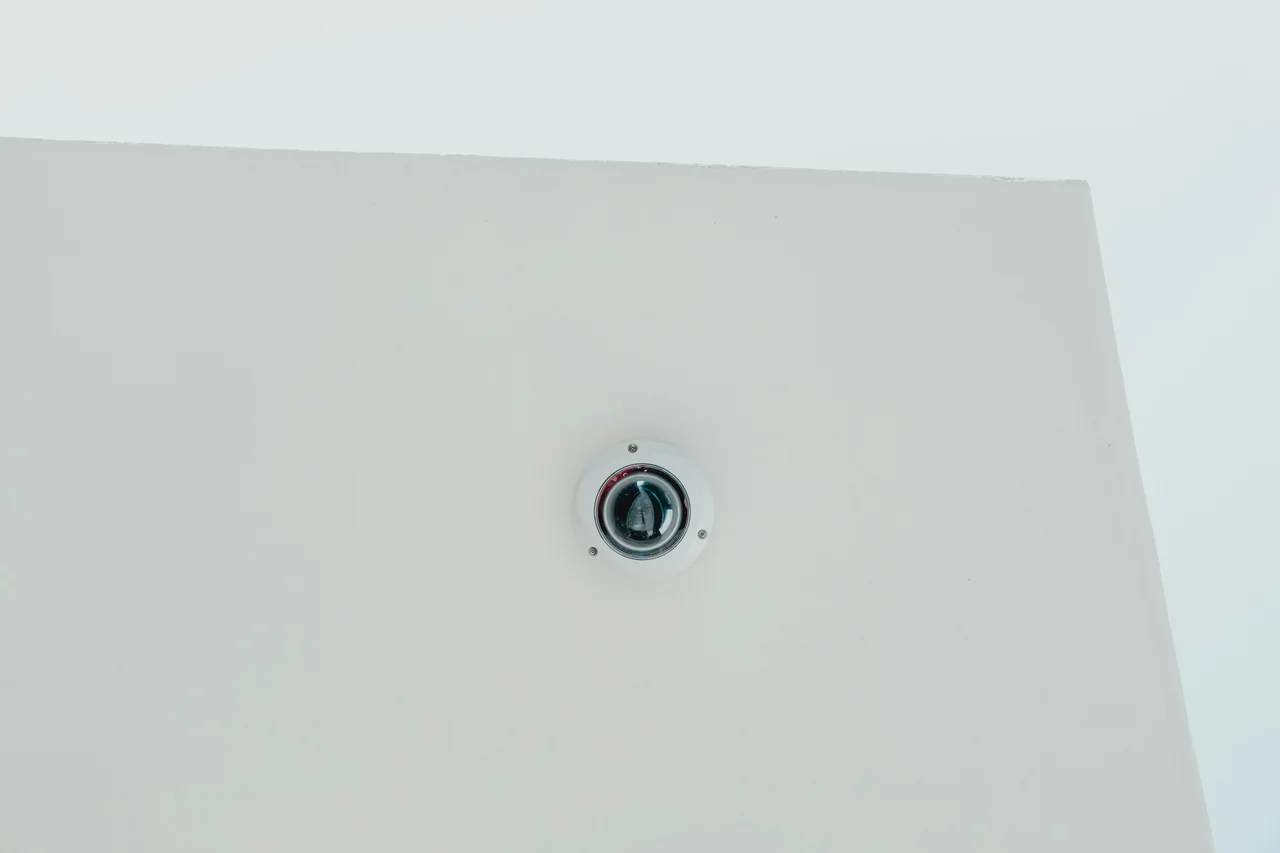
Install, relocate or troubleshoot cameras around your property. We check physical connections and power over Ethernet (PoE), adjust camera positions and work with compatible recording systems. We can coordinate with your authorized remote technical support.
Owner-led work · Agreed scope · Documented handoff
This service at a glance.
For property owners reviewing entrances, businesses covering shared spaces, and managers replacing an existing system. We agree camera views and authorized access before installation.
What this helps with
- An offline camera or intermittent connection
- A camera that needs replacement, relocation or manual adjustment
- A recording or viewing setup that needs an authorized technical handoff
Typical work
- Install, replace or relocate cameras
- Check cabling, power and connections
- Adjust views and coordinate recording checks
What you receive
Agreed camera positions, a record of the checks performed and a clear handoff for the owner or IT team.
Request a ProjectTHE WORK, CLEARLY DEFINED
A practical installation scope.
Start with the entrances and areas you need to review. We consider mounting locations, cable access, lighting, network capacity, recording retention, and authorized users.
Available work
- Indoor and outdoor camera mounting, replacement and relocation
- Accessible cable, PoE and physical connection troubleshooting
- Manual camera positioning and coverage adjustment
- Compatible recorder setup and authorized VMS / remote-support coordination
- Installation notes, agreed functional checks and handoff
WHAT YOU RECEIVE
A handoff you can use.
Agreed work scope, connection or configuration notes, checks performed, and any remaining observations. Photos are captured and shared only where permitted.
See our documentation approach →What shapes the scope
Camera views and recording performance depend on the site and selected equipment. Installation does not include staffed surveillance, emergency response, or a guarantee that every event will be captured.
FROM ASSESSMENT TO HANDOFF
How the work is planned.
Equipment, permissions, access and scheduling are discussed before the work begins. Any extra work is identified before it becomes part of the assignment.
- Assess
Review viewing objectives, lighting, privacy, mounting positions, cable routes, and recording needs.
- Complete
Mount and connect the agreed cameras, and configure a compatible recorder and authorized accounts.
- Document
Check live views and recorded playback, document the setup, and hand over owner access.
Can you troubleshoot an existing camera installation?
Yes. We review the reported issue, accessible power and network connections, equipment condition and the agreed checks. Where system access is managed elsewhere, we coordinate with your authorized IT or VMS support.
Can you relocate a camera?
We can scope a new mounting position, accessible cabling, RJ45 terminations, PoE connectivity and manual adjustment. Permissions, coverage expectations and any building restrictions are reviewed first.
Can you install cameras I already own?
Compatibility, condition, access, and recording requirements are reviewed before confirming whether existing equipment can be used.
Can I view the cameras remotely?
Authorized remote viewing can be configured where the equipment and network support it. Access permissions and account ownership are part of the handoff.
Does UniFi Protect work with every camera?
No. Model support and available features must be checked. Some third-party ONVIF cameras can connect to Protect, but that does not guarantee feature parity or compatibility with an existing installation.
What should I include in my inquiry?
Share your city or ZIP, property type, equipment and the problem or intended outcome. For a contractor assignment, include the requested tasks and timing. Do not send passwords, alarm codes, network credentials or sensitive security details through the public form.
Do you repair computers, phones or tablets?
No. Our focus is infrastructure, installations, networking, cameras and business systems. We do not offer consumer device repair, screen/battery replacement, gaming-PC builds, home electronics or home-theater repair, generic printer repair or an unlimited residential help desk.
LET’S MAKE IT WORK FOR YOU
Tell us about your project.
Tell us what you need installed, connected, or maintained. We’ll start with the scope that makes sense.
Serving Greater Cleveland and Northeast Ohio.
Businesses, contractors, offices, home offices, and residential properties.